

Virtual Meetings Backgrounds
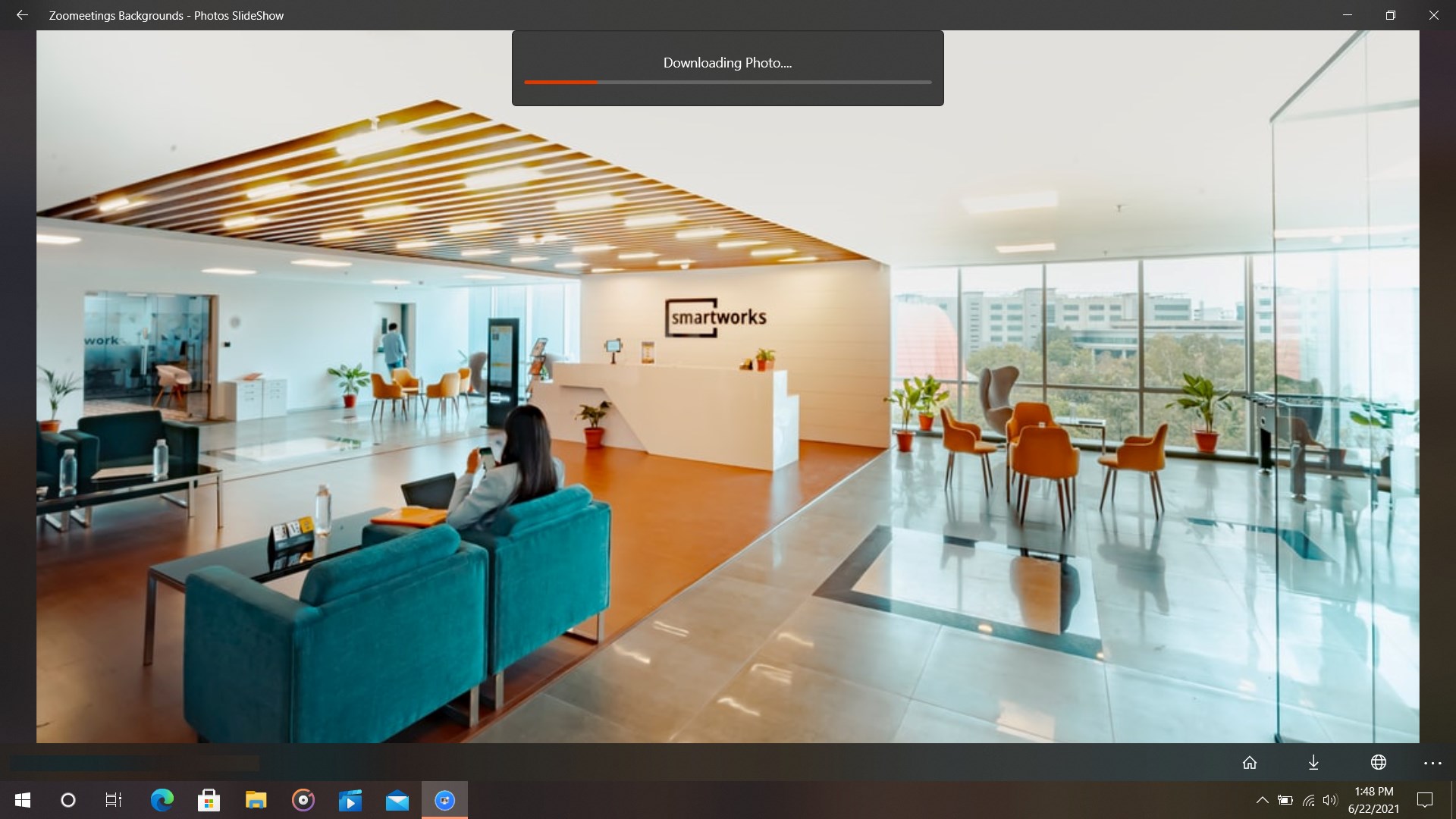
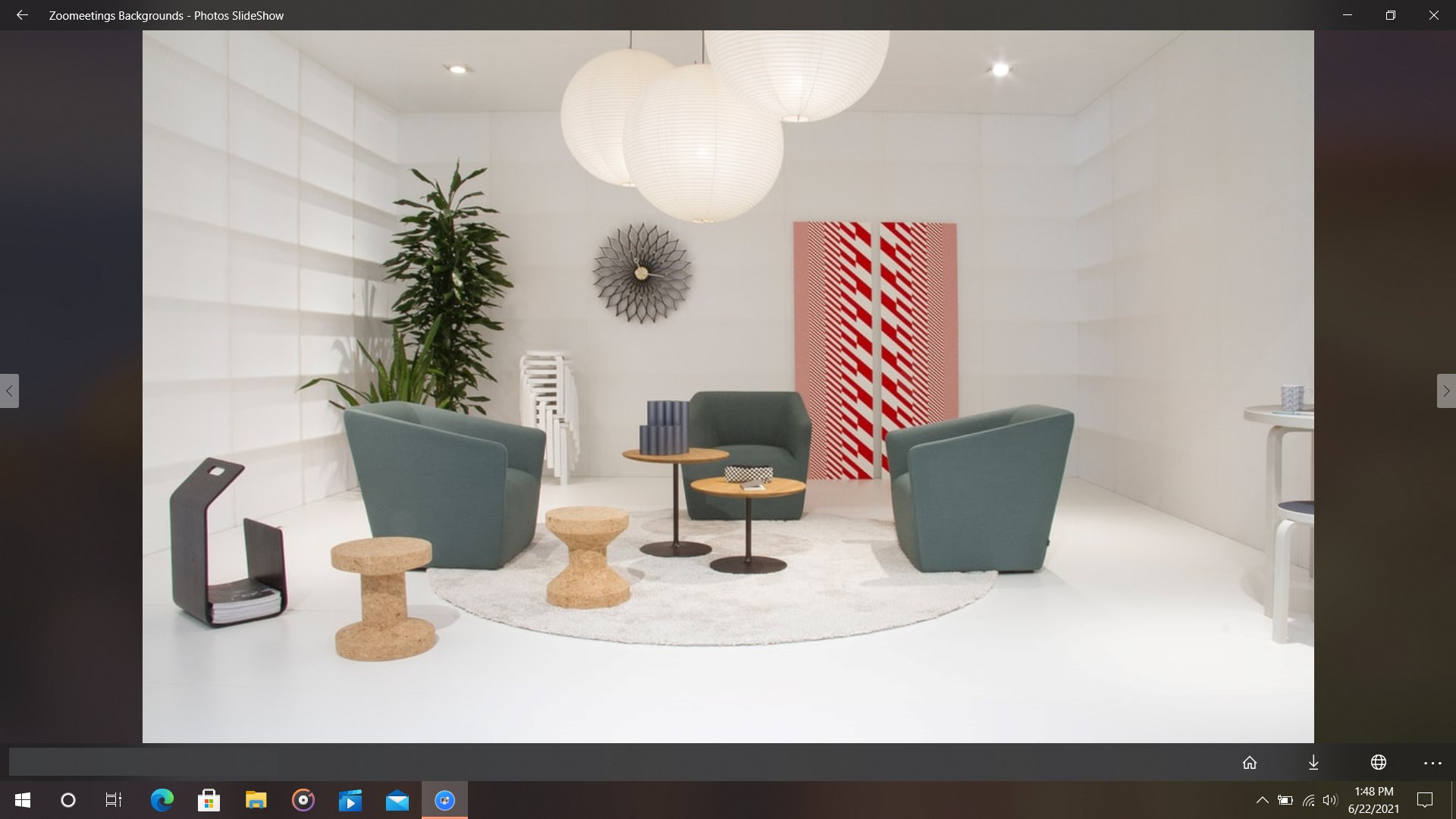
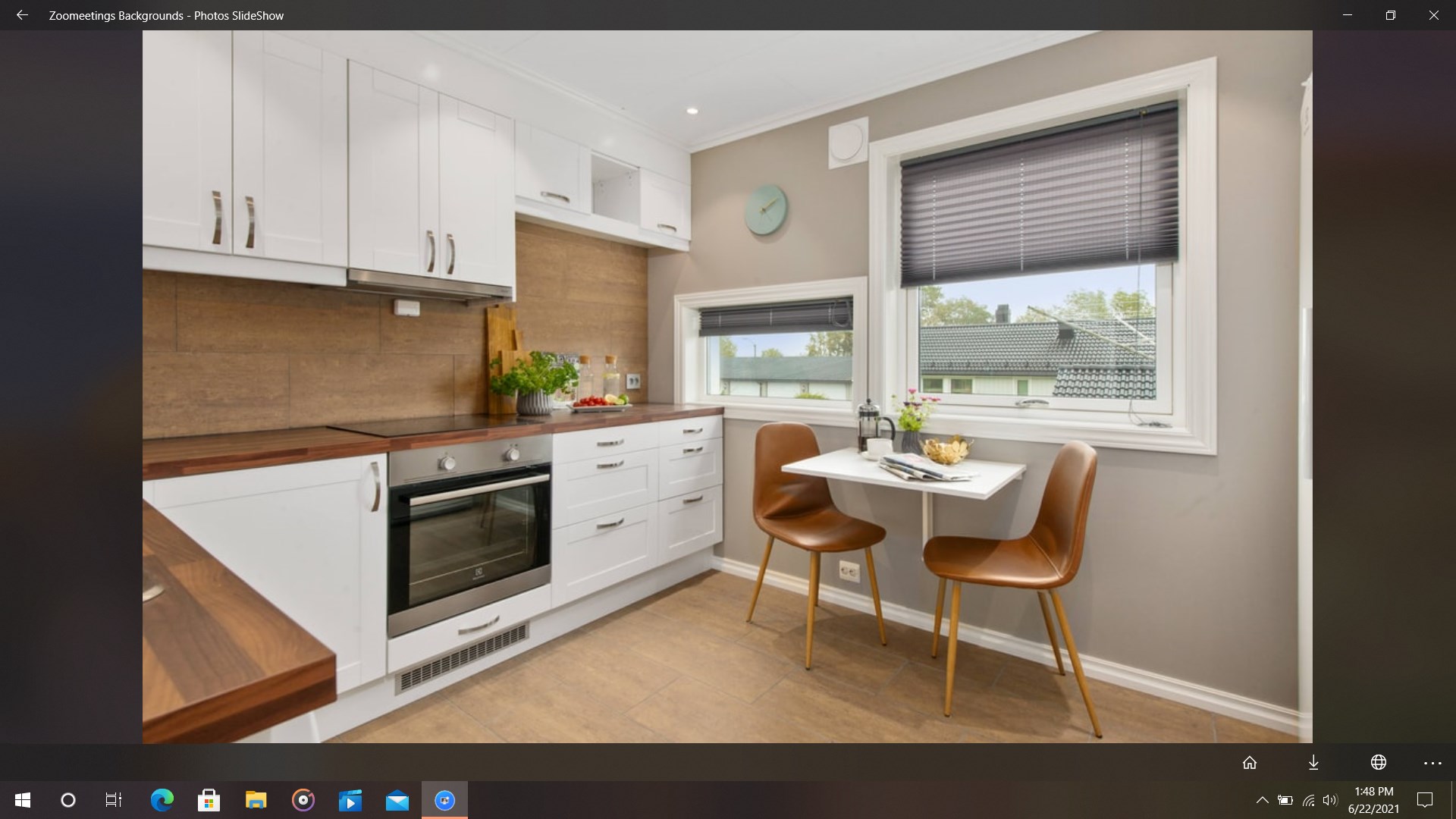
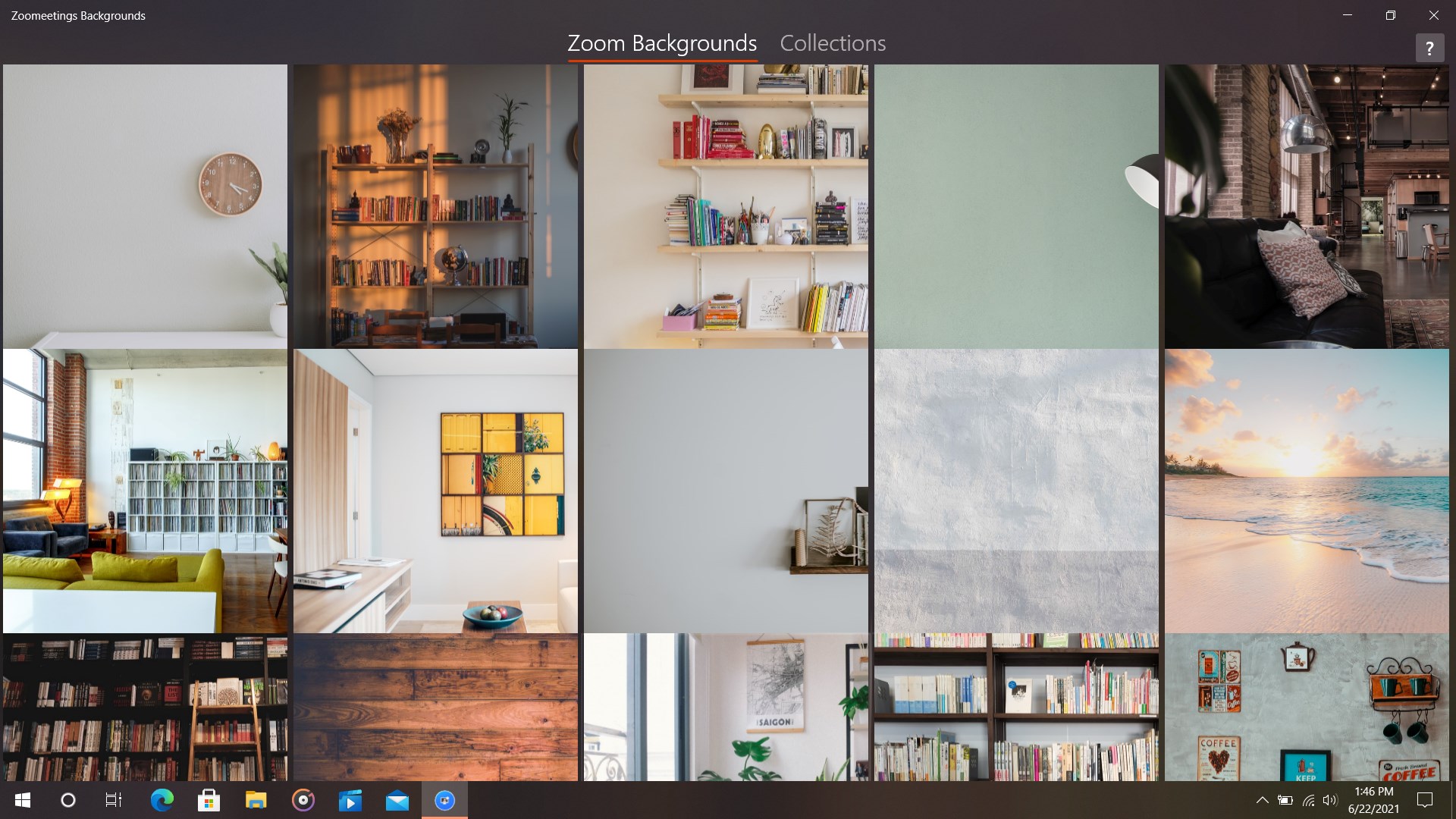
Read our comprehensive review of Virtual Meetings Backgrounds for Windows. Discover how this HD background library elevates your next virtual video call.
Cluttered home offices and uninspiring workspaces can quickly derail the professional tone of an important video call. The Virtual Meetings Backgrounds tool provides an elegant solution by giving Windows users instant access to a massive library of high-definition backdrops designed to elevate your digital presence.
The Primary Purpose of Virtual Meetings Backgrounds
Developed by mvkapps, this dedicated Windows application is built to eliminate the stress of preparing your physical room before a camera turns on. By offering a curated, diverse catalog of high-resolution imagery, the Virtual Meetings Backgrounds tool allows you to project professionalism, creativity, or a relaxed atmosphere depending on the nature of your meeting.
Key Features and Capabilities
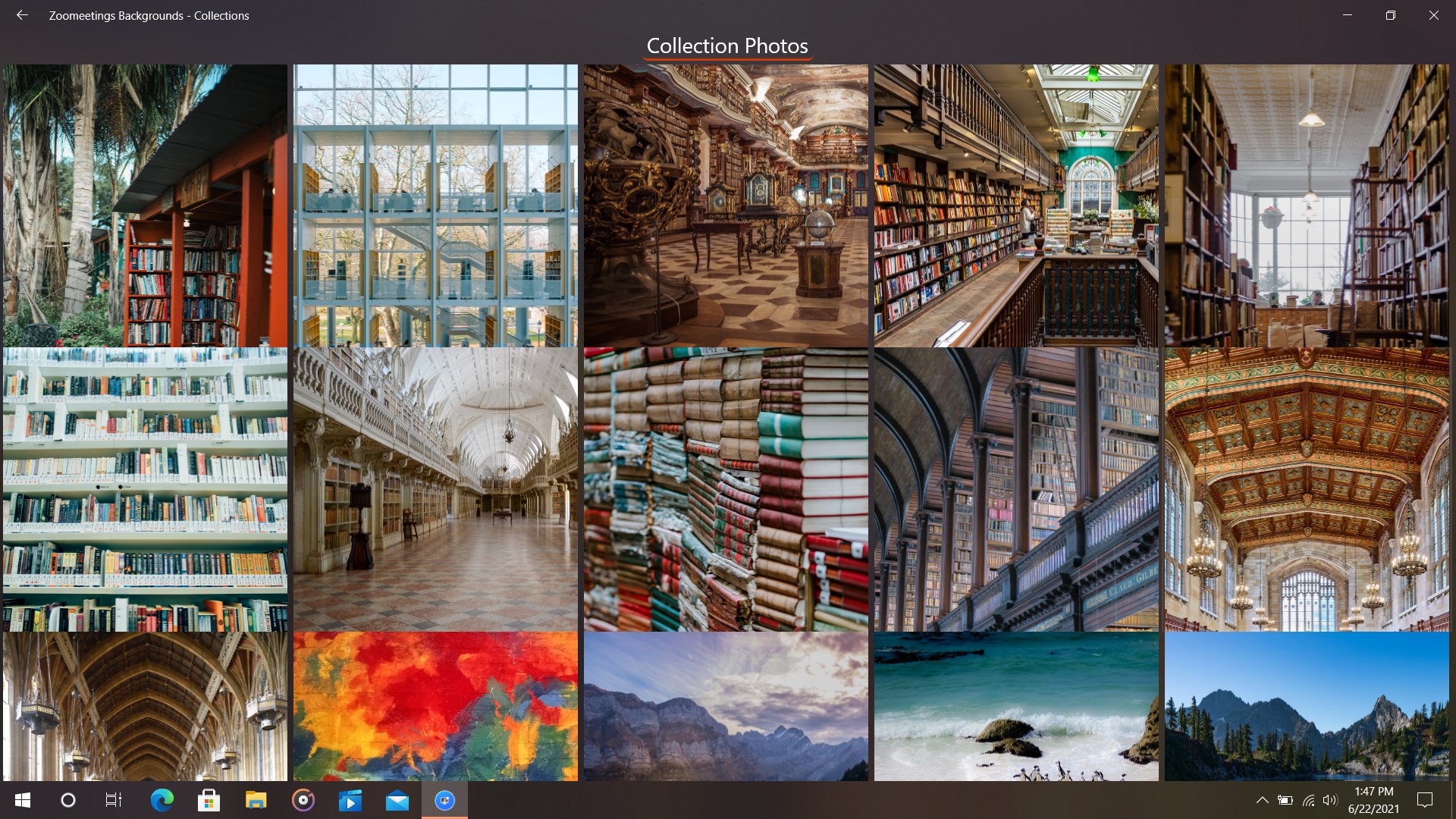
- Expansive HD Library: Browse through an extensive collection of high-definition backgrounds tailored for corporate, creative, and casual environments.
- Effortless Navigation: Use simple swipe gestures to explore options and find the perfect setting that matches your current mood or industry.
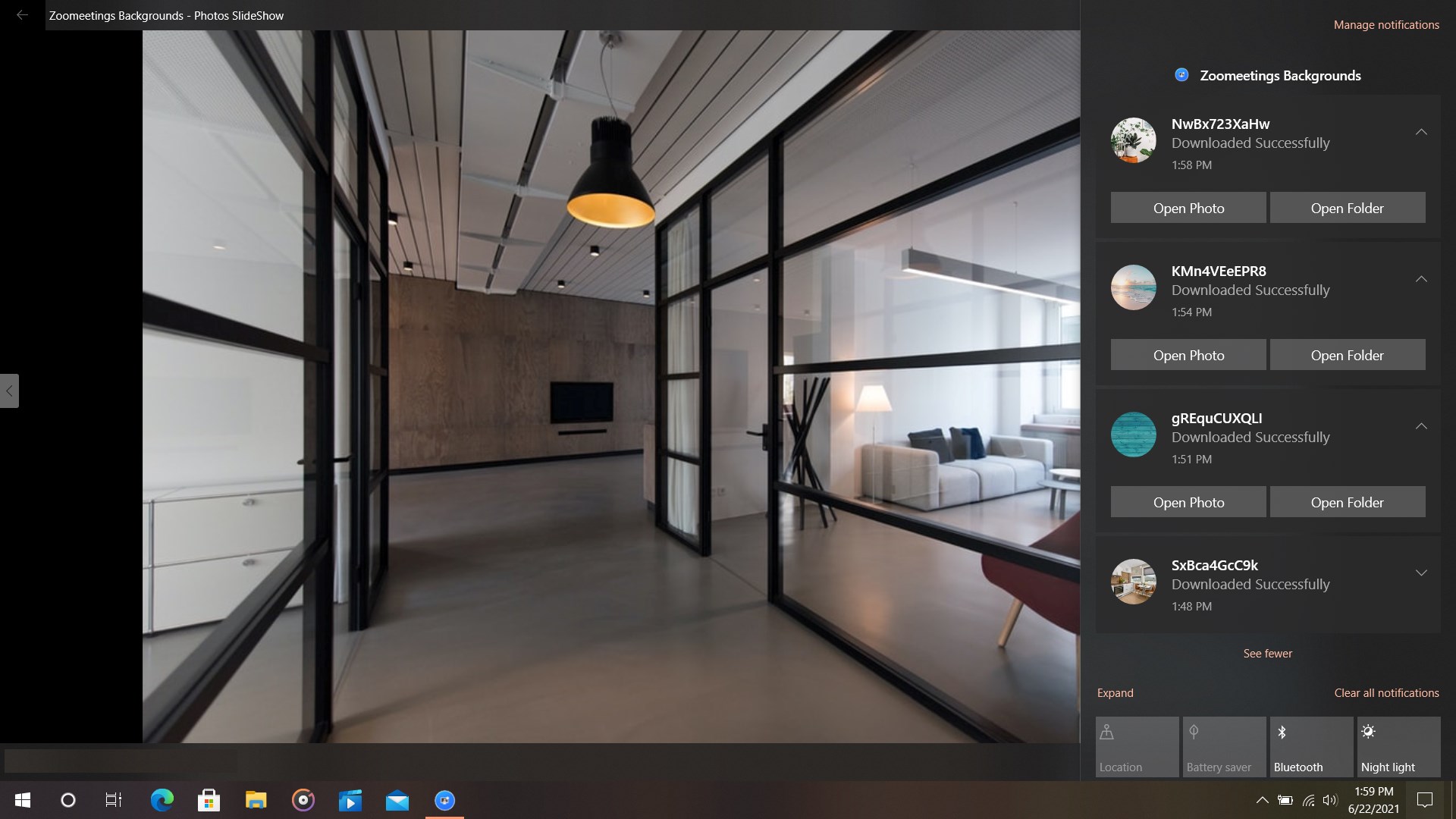
- One-Click Downloads: Save your chosen high-resolution backdrops directly to your Windows device with a single click, making them ready for immediate upload.
- Universal Platform Compatibility: Once saved, these assets can be utilized across all major video conferencing platforms, including Zoom, Microsoft Teams, and Skype.
Who Is This Application For?
This utility is highly recommended for remote professionals, educators, and digital creators who frequently participate in virtual calls. Whether you need a sleek, modern boardroom setting for client presentations or a warm, minimalist living room backdrop for casual team syncs, this application ensures you always look polished without needing to rearrange your physical space.
Streamlined Workflow and Performance
The software is designed to be lightweight and unobtrusive. Instead of wrestling with browser-based image searches that often yield low-resolution results, the Virtual Meetings Backgrounds tool centralizes your search in a clean, native Windows environment. The high-quality files ensure that your virtual background looks crisp and realistic, minimizing the green-screen halo effect common with low-quality source images.
Our Editorial Verdict
If you regularly attend virtual meetings and want a quick, reliable way to switch up your visual environment, this utility offers an organized and high-quality repository. To integrate these professional backdrops into your next video conference, you can purchase and download the software by visiting the official Microsoft Store page for Virtual Meetings Backgrounds.