
Media Player, Video Downloader - Play-list
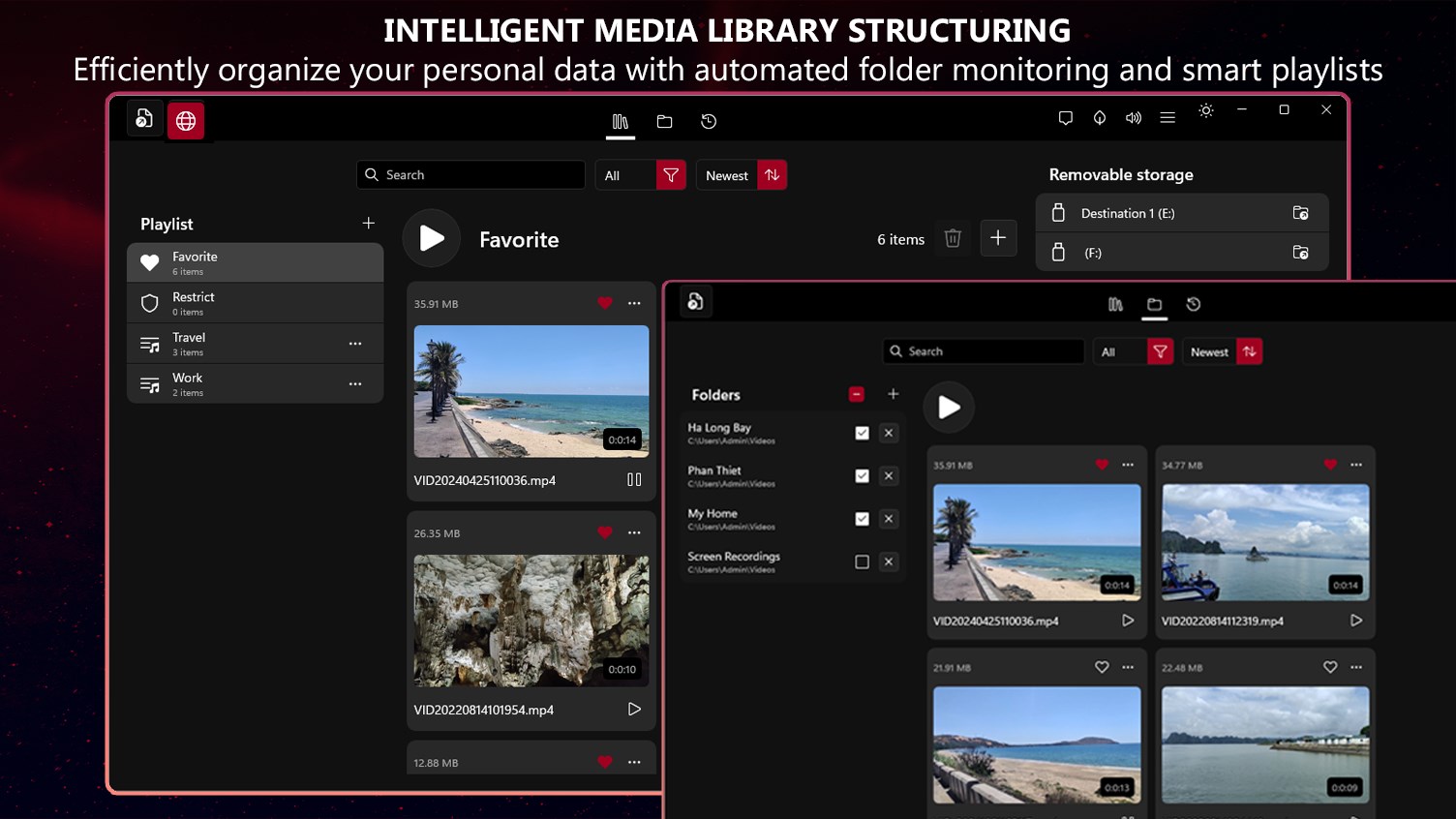
An in-depth review of the Play-list media player and video downloader for Windows 11. Learn how it handles local playback, offline archiving, and LAN sharing.
A Unified Hub for Playback, Archiving, and Local Sharing
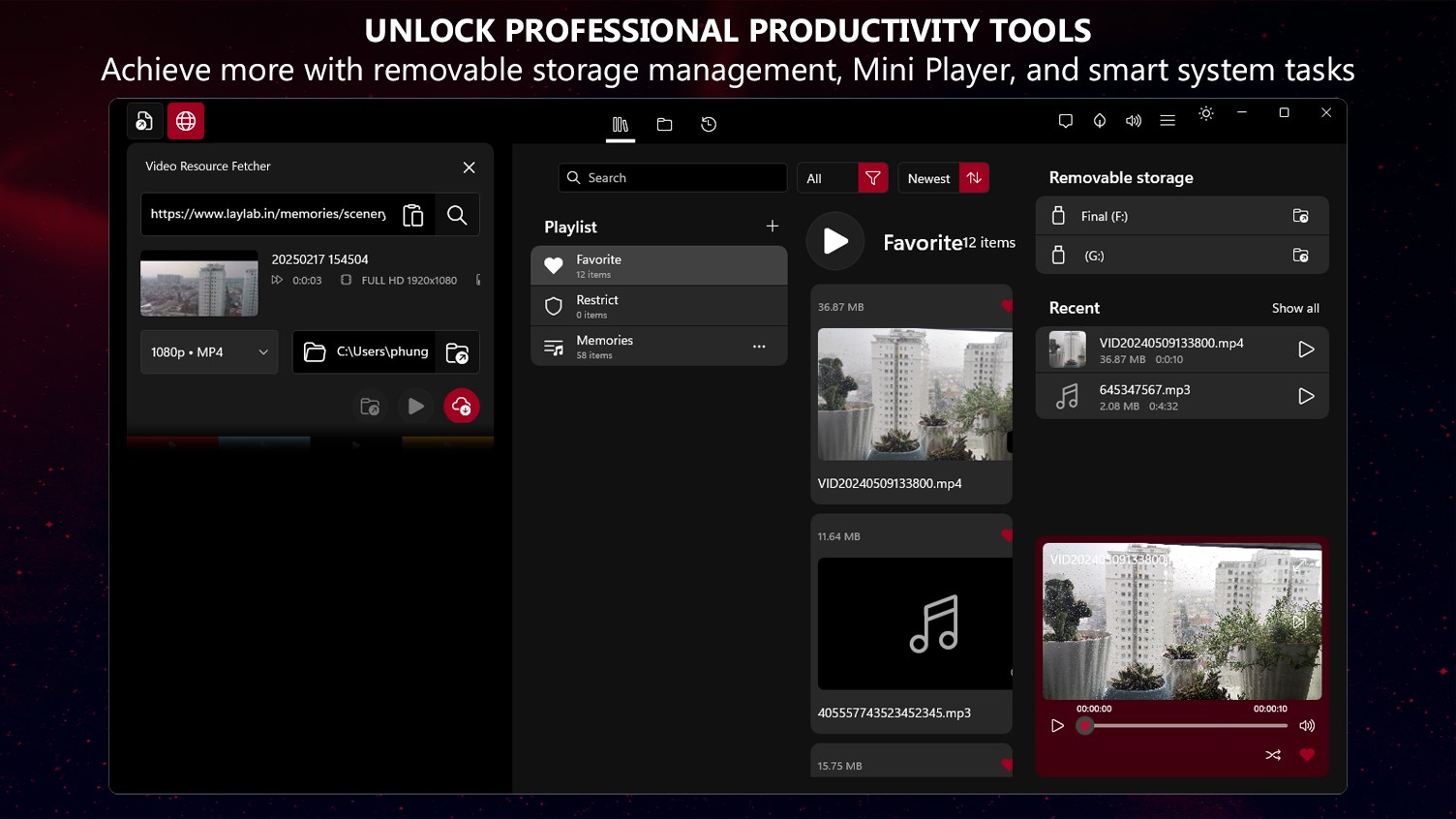
While many media players focus solely on rendering local files, Media Player, Video Downloader - Play-list by Lay Lab takes a more holistic approach. Designed specifically for the Windows 11 ecosystem, this utility merges a high-performance playback engine with a built-in link archiver and an elegant, configuration-free local network sharing system. Instead of forcing you to toggle between web browsers, download managers, and casting tools, it consolidates your entire personal media pipeline into a single, cohesive interface.
Key Features of the Play-list Media Player and Video Downloader
To understand why this application stands out in a crowded category, it is helpful to look at its core technological components:
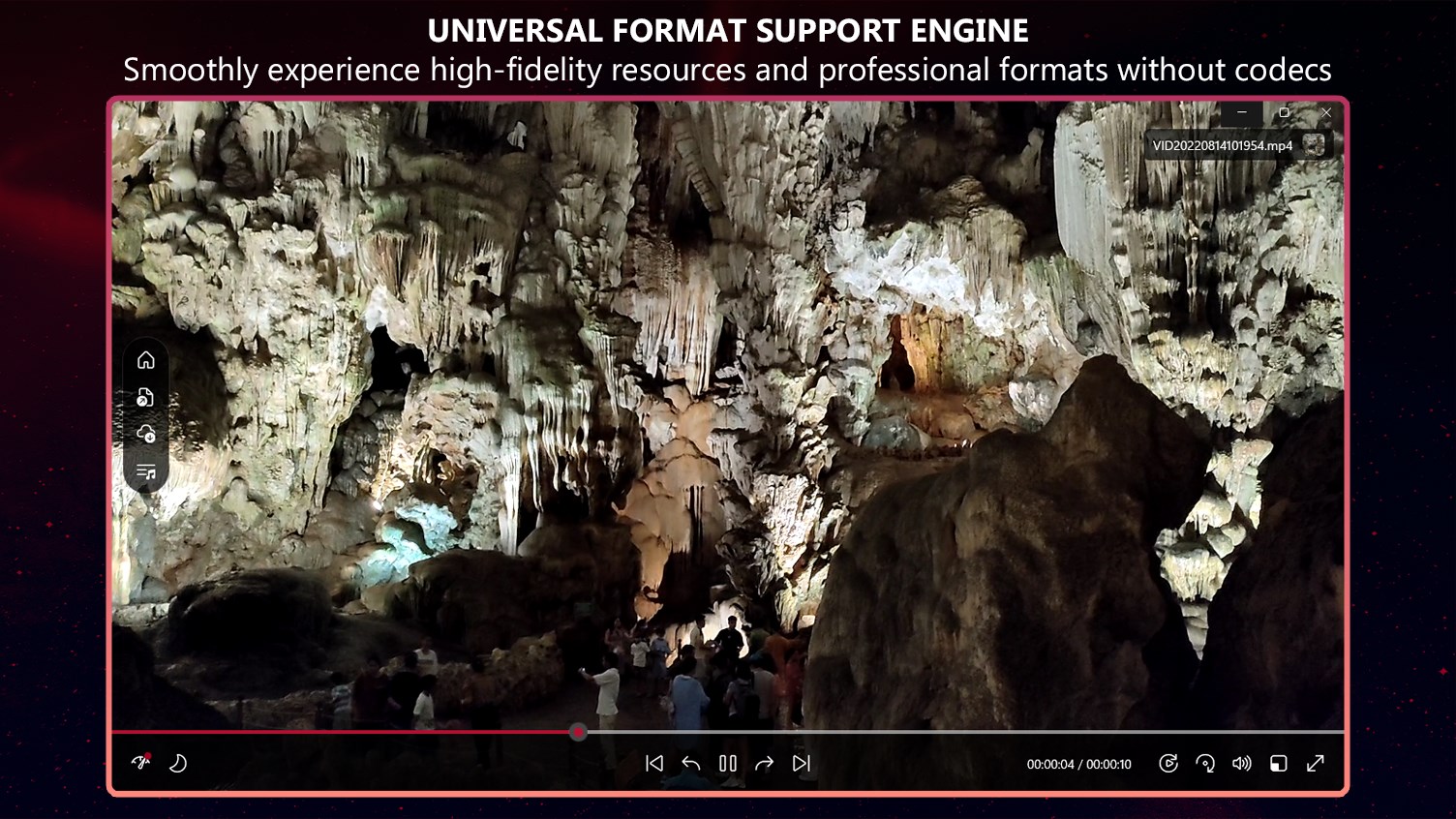
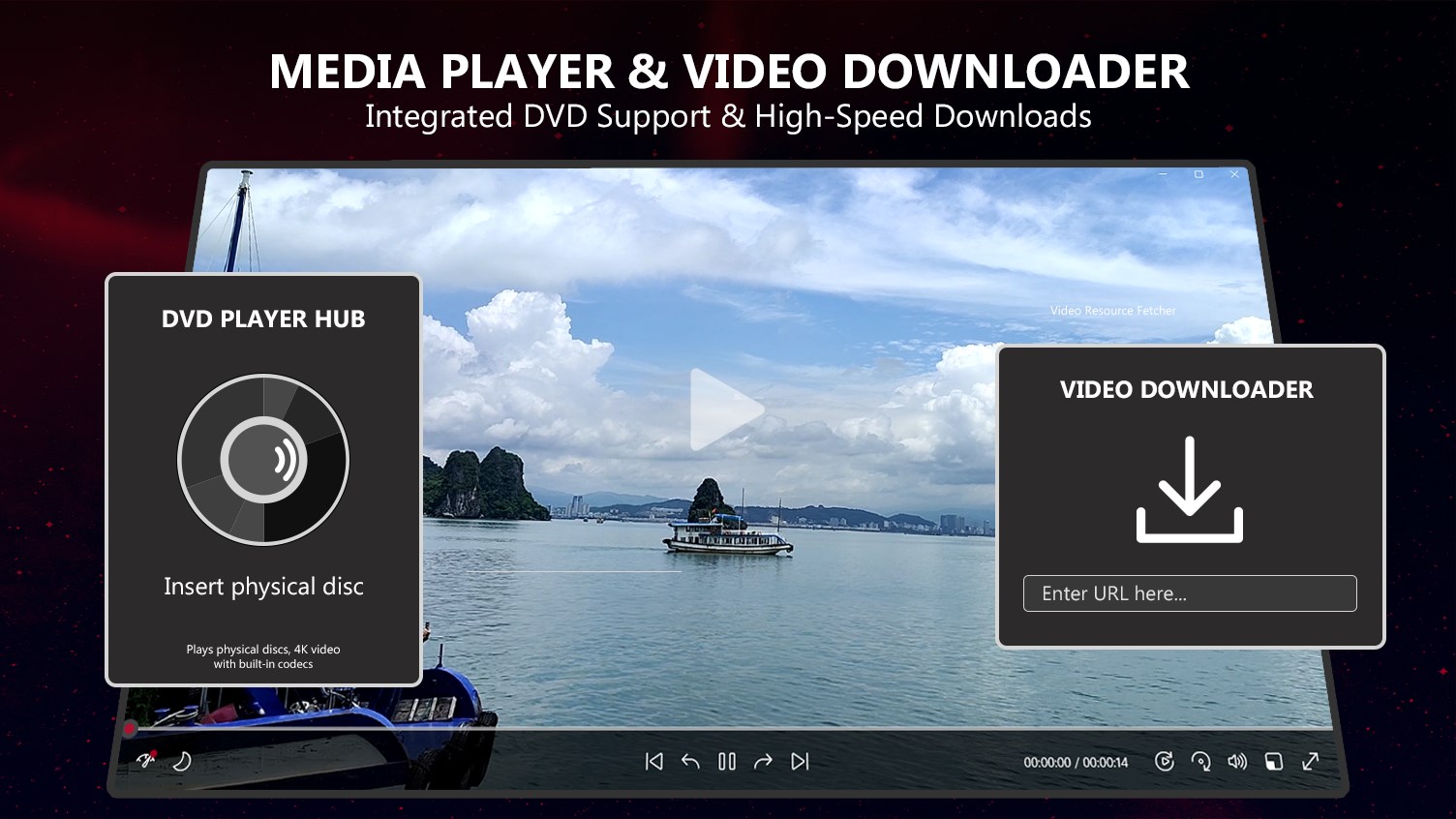
- Broad Codec and Physical Media Support: The professional media engine leverages hardware acceleration to deliver smooth playback for modern high-definition video formats (including .hevc, .mkv, .webm, and .mp4) alongside high-fidelity audio formats like .flac and .opus. It also features integrated CD/DVD player functionality to recognize physical discs and ISO mounts directly.
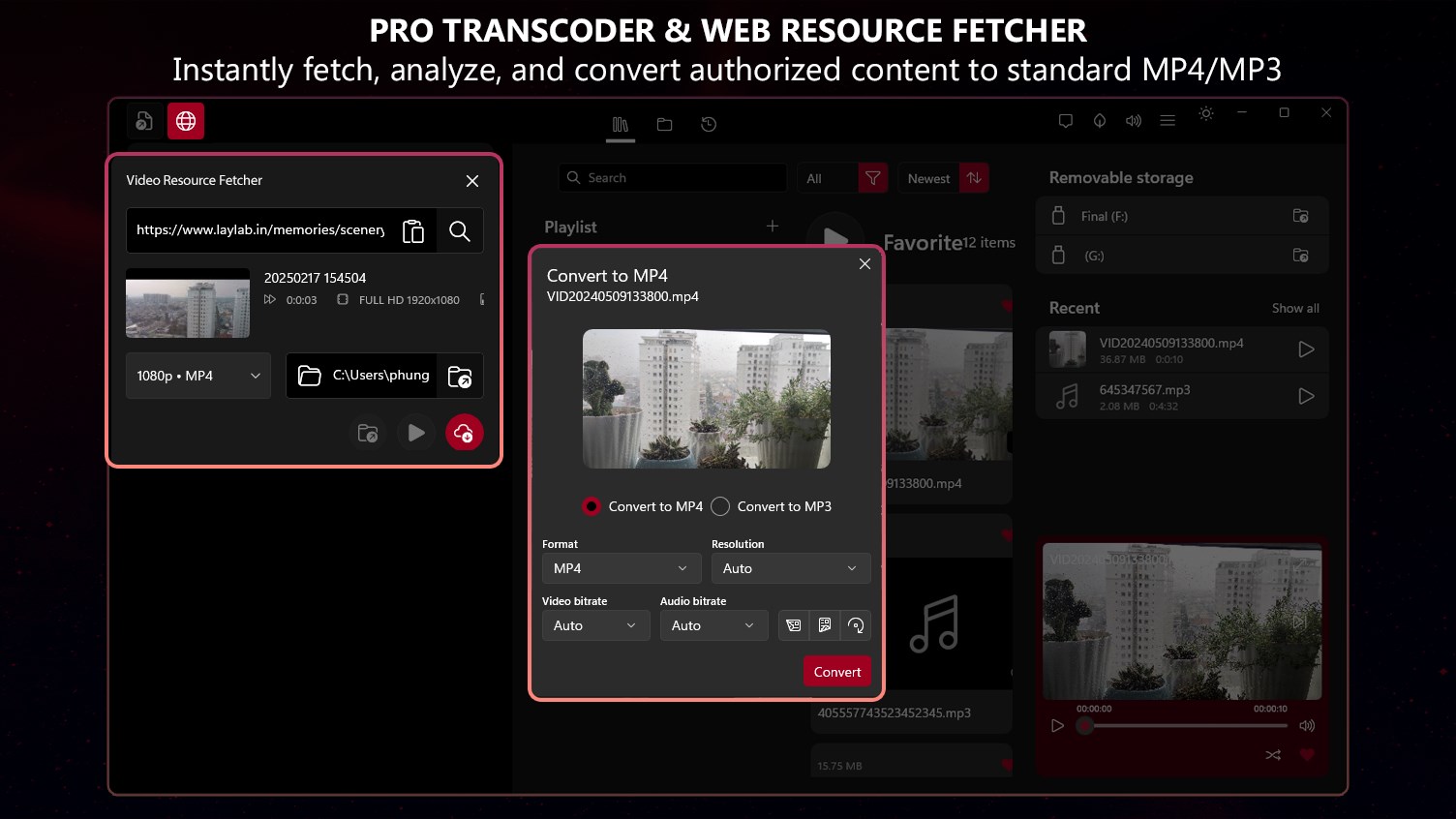
- Integrated URL Video Downloader: Actively manage your personal digital library by saving authorized web links directly into your offline playlists. The tool includes a streamlined download queue and allows you to standardize web streams into universal MP4 or MP3 formats.
- Zero-Configuration Local Home Sharing: Turn your Windows PC into a local media hub. By generating a temporary QR code or a direct local link, you can share active playlists with other devices on your home network without relying on external cloud bandwidth.
- EchoShield Security & Automation: Your shared library remains completely private, contained strictly within your local area network (LAN) via the EchoShield protection system. Additionally, you can set automatic system sleep or shutdown timers to power down your PC once a playlist finishes.
Who Is This Media Utility For?
The Media Player, Video Downloader - Play-list application is highly suited for Windows users who value offline access and local media independence. If you frequently find yourself saving online video resources for offline study, commuting, or archiving, the built-in downloader streamlocks your workflow. Similarly, families who want to share video playlists from a central PC to tablets or secondary laptops without configuring complex network shares or plugging in physical cables will find the QR-based LAN hub incredibly convenient.
Our Editorial Verdict
Lay Lab has built a highly practical tool that respects user privacy and system resources. By acting as a neutral technological hub, it simplifies the process of organizing, converting, and casting your personal media collection. If you are looking for a clean, modern Windows 11 application that does more than just play files, we highly recommend exploring this versatile toolkit. You can find more details and review the application yourself on the official Microsoft Store page.