
Deep Translate: Multi Language App Review
Read our comprehensive review of Deep Translate: Multi Language. Discover how this Mac app translates text into five languages simultaneously with high accuracy.
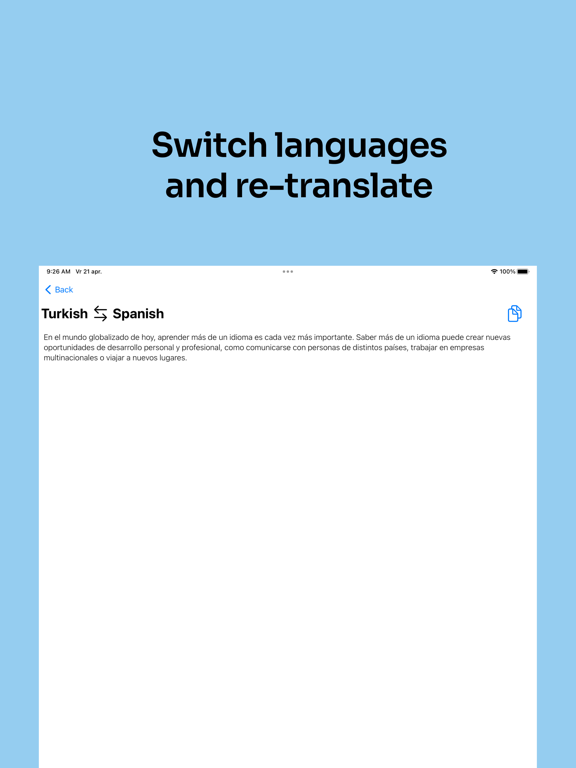
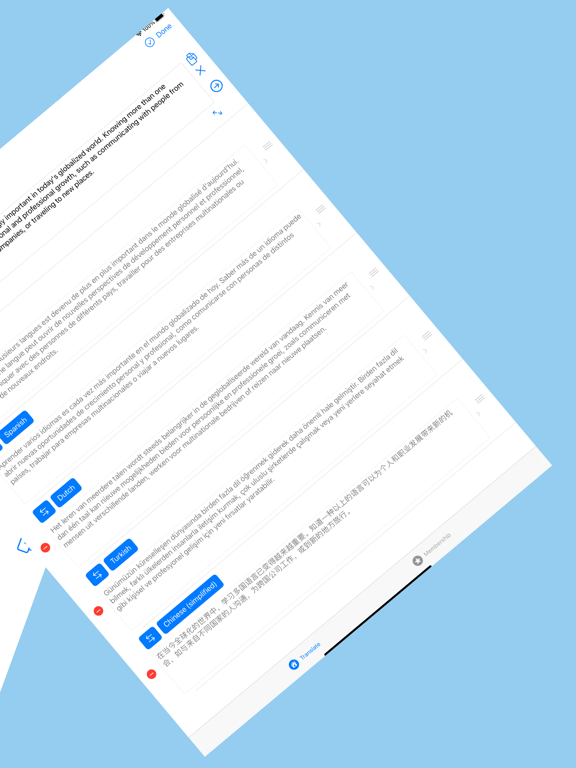
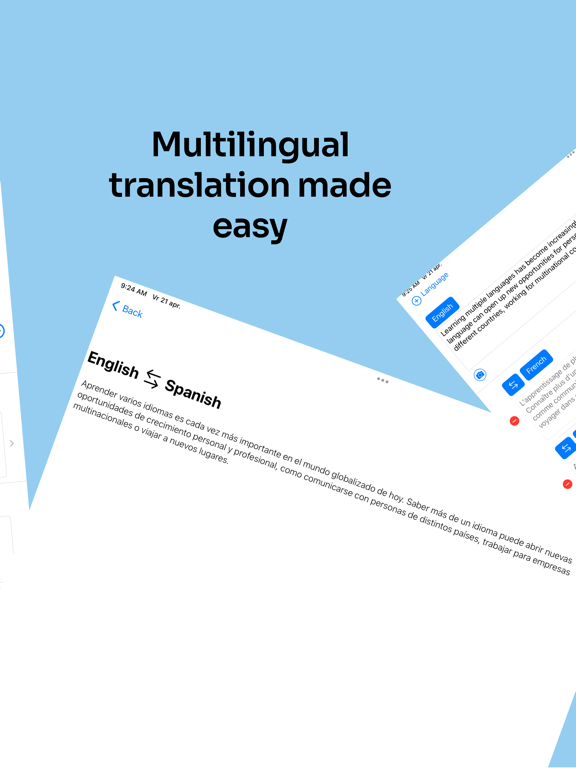
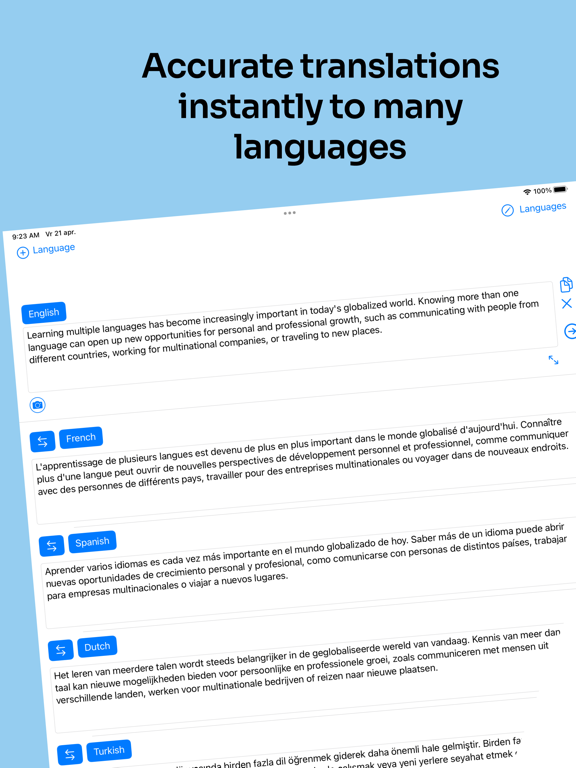
For individuals managing personal and professional lives across multiple borders, the Deep Translate: Multi Language app offers a highly efficient way to communicate. Instead of forcing you to translate phrases one by one, this streamlined utility allows you to input your text once and view natural translations in up to five different languages simultaneously, side by side.
The Power of Simultaneous Multi-Language Translation
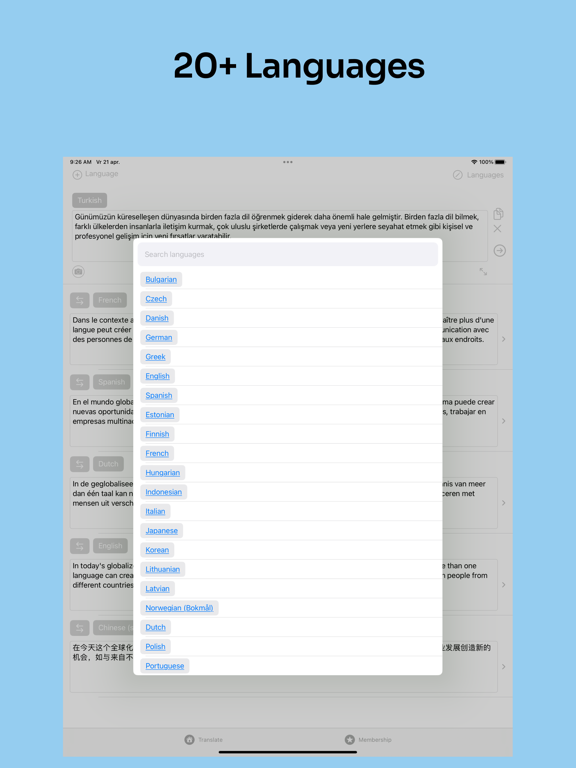
Most translation tools restrict you to a single source and target language pair. The Deep Translate: Multi Language application breaks this limitation by displaying up to five target languages on a single screen. This side-by-side layout is incredibly useful for double-checking nuanced meanings, verifying tone, and ensuring your message is interpreted correctly across all the languages you use daily.
Key Features of Deep Translate
- Multi-Language Output: Input your text once and instantly compare translations across five distinct languages at the same time.
- Context-Aware Translation: Powered by advanced translation technology that prioritizes natural phrasing, tone, and context over literal, word-for-word conversions.
- Broad Language Support: Access over 50 languages, including Spanish, Arabic, Japanese, Dutch, Turkish, and many more.
- Clutter-Free Environment: A clean, ad-free user interface designed to help you focus entirely on your writing and comprehension.
Who is Deep Translate: Multi Language For?
Developed by Ihsan Yalcinkaya, this education-category app is specifically tailored for expats, remote professionals operating across international time zones, multilingual families, and dedicated language learners. It eliminates the need to cycle through multiple browser tabs or translation apps, centralizing your multilingual workflow onto a single Mac interface.
How to Get Started
If you are looking to simplify how you write, work, and live in multiple languages, this utility provides a reliable, ad-free solution. To explore the interface and features for yourself, head over to the official Mac App Store to download Deep Translate: Multi Language today.